
Switching from Windows to Linux doesn’t mean giving up your favourite applications. Many popular Windows tools have native Linux versions or high-quality open-source equivalents. Here are the most useful cross-platform applications for professionals and sysadmins.
Communication & Collaboration
- Slack — Native Linux
.deband.rpmpackages available at slack.com/downloads/linux - Microsoft Teams — Native Linux client available via Microsoft’s package repository
- Zoom — Full-featured Linux client at zoom.us/download
- Discord — Native Linux app and also runs in browser
Office and Productivity
- LibreOffice — Full Microsoft Office-compatible suite (Writer, Calc, Impress). Pre-installed on most Linux distros. Free and open-source.
- OnlyOffice — High-fidelity MS Office format compatibility; available as desktop app or self-hosted
- Google Docs / Sheets — Browser-based, works identically on Linux
Development Tools
- Visual Studio Code — Full-featured code editor with native Linux support (
.deb,.rpm, Snap). Best available on Linux. - JetBrains IDEs (IntelliJ, PyCharm, PhpStorm, etc.) — Native Linux versions via JetBrains Toolbox
- Git — Natively designed for Linux;
dnf install gitorapt install git - Docker Desktop — Available for Linux since 2022
Browsers and Internet
- Google Chrome — Full-featured native Linux build
- Mozilla Firefox — Default browser on many Linux distributions
- Brave — Privacy-focused browser with native Linux support
Media and Graphics
- VLC — Plays virtually any media format on all platforms
- GIMP — Photoshop alternative with comparable feature set
- Inkscape — Illustrator equivalent for vector graphics
- Kdenlive / DaVinci Resolve — Video editing on Linux
Running Windows-Only Apps on Linux
For applications that don’t have a Linux version, use:
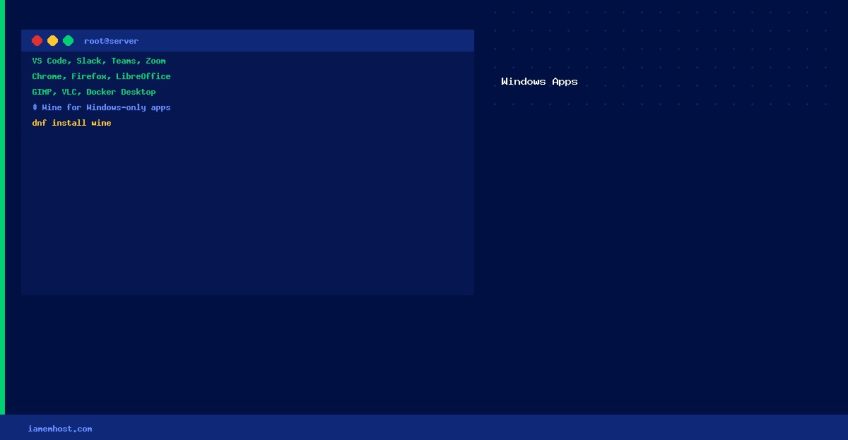
- Wine — Compatibility layer; runs many Windows executables natively
- Bottles — User-friendly Wine management GUI
- VirtualBox / VMware — Run a full Windows VM alongside Linux