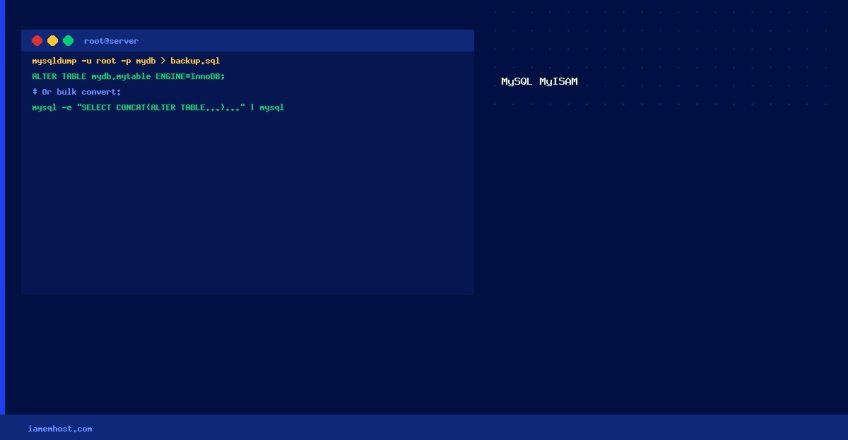

MyISAM is the older MySQL storage engine — it lacks transactions, row-level locking, and foreign keys. InnoDB provides ACID compliance, crash recovery, and better concurrency. This guide shows how to convert all tables in a database to InnoDB using a shell script.
Prerequisites
- Take a full database backup before proceeding:
mysqldump -u root -p mydb > mydb_backup.sql - Have a
~/.my.cnfwith MySQL credentials for auto-login (or pass-u root -pto each command) - Full privileges on the target database
Convert All Tables in a Database to InnoDB
Method 1: Shell Script
#!/bin/bash
# Usage: bash convert_innodb.sh mydbname
DB="${1:-mydb}"
echo "Converting all MyISAM tables in $DB to InnoDB..."
mysql -e "SELECT table_name FROM information_schema.tables WHERE table_schema='$DB' AND engine='MyISAM';"
  | tail -n +2 | while read TABLE; do
    echo "  Converting: $TABLE"
    mysql -e "ALTER TABLE `$DB`.`$TABLE` ENGINE=InnoDB;"
done
echo "Done. Verify with: mysql -e "SHOW TABLE STATUS FROM $DB\G""
Method 2: One-Liner (Quick)
# Generate and run ALTER TABLE statements for all MyISAM tables
mysql -e "SELECT CONCAT('ALTER TABLE `',table_schema,'`.`',table_name,'` ENGINE=InnoDB;')
  FROM information_schema.tables WHERE engine='MyISAM' AND table_schema='mydb';"
  | tail -n +2 | mysql
Convert a Single Table
ALTER TABLE `mydb`.`my_table` ENGINE=InnoDB;Verify the Conversion
# Show engine for all tables in a database
mysql -e "SELECT table_name, engine FROM information_schema.tables WHERE table_schema='mydb';"

# All should now show InnoDB
Make InnoDB the Default for New Tables
# Add to /etc/my.cnf under [mysqld]
[mysqld]
default_storage_engine = InnoDB