
The Linux find command is one of the most powerful tools in a sysadmin’s toolkit. It searches directory trees for files matching almost any criterion — name, type, size, age, permissions, ownership — and can execute commands on the results. This guide covers the most useful real-world examples.
Basic Syntax
find [starting_directory] [options] [expression]Find by Name and Extension
# Find all PHP files recursively
find /var/www -name "*.php"

# Find multiple file types
find . -type f ( -name "*.png" -o -name "*.jpg" )

# Case-insensitive name search
find . -iname "readme*"

# Find specific files by exact name
find /home -name "wp-config.php"
Find by File Type
# Regular files only
find /var/log -type f

# Directories only
find /home -type d -name "public_html"

# Symbolic links
find /etc -type l
Find by Size
# Files larger than 100MB
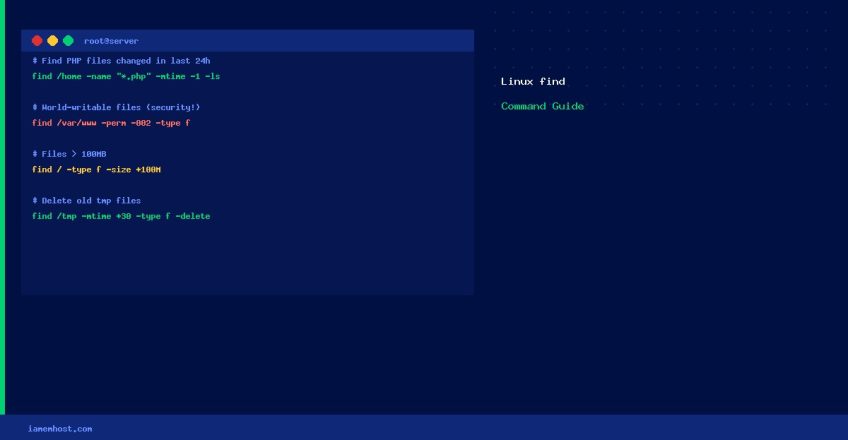
find / -type f -size +100M

# Files between 50MB and 100MB
find / -type f -size +50M -size -100M

# Empty files
find /tmp -type f -empty
Find by Age (Modified Time)
# Modified in the last 24 hours
find /var/www -mtime -1

# Modified more than 30 days ago
find /var/log -mtime +30

# Accessed within the last 7 days
find /home -atime -7
Find by Permissions and Ownership
# World-writable files (security risk!)
find /var/www -type f -perm -002

# Files with SUID bit set
find / -type f -perm /4000 2>/dev/null

# Files owned by a specific user
find /home -user john -type f
Execute Commands on Results
# Delete all .tmp files
find /tmp -name "*.tmp" -type f -delete

# Fix permissions on all files/dirs
find /var/www -type f -exec chmod 644 {} ;
find /var/www -type d -exec chmod 755 {} ;

# List all PHP files modified in the last 24h (useful for detecting hacks)
find /home/*/public_html -name "*.php" -mtime -1 -ls
Useful Real-World Examples
# Find largest files on the server
find / -type f -printf '%s %pn' 2>/dev/null | sort -rn | head -20

# Find recently modified PHP files (potential malware indicator)
find /home -name "*.php" -newer /tmp/reference_file -ls

# Find all files over 30 days old in /tmp and delete them
find /tmp -type f -mtime +30 -delete

# Find and compress old log files
find /var/log -name "*.log" -mtime +7 -exec gzip {} ;