

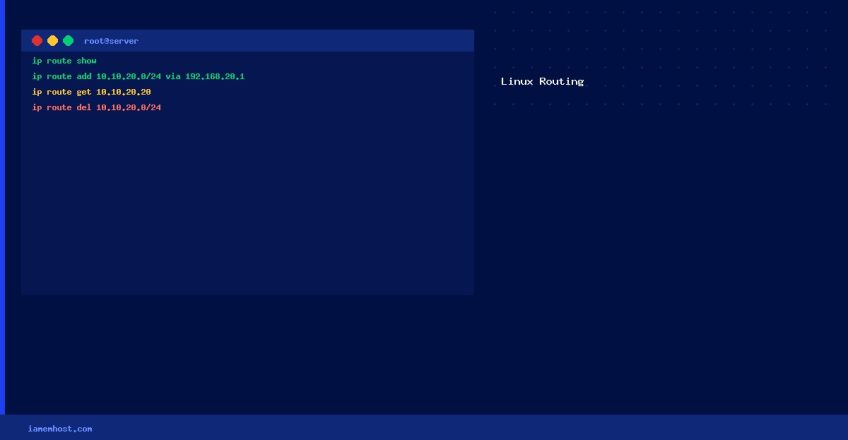

Static routes tell the Linux kernel how to reach a network that isn’t directly connected. Without a route entry, packets destined for an unknown network are sent to the default gateway — which may not know how to reach the destination. This guide explains routing concepts and shows how to view and manage routes on CentOS, AlmaLinux, and Rocky Linux.
How Routing Works
When a packet needs to go from 10.10.10.10 to 10.10.20.20, the kernel checks its routing table. If it has no route to 10.10.20.0/24, the packet is sent to the default gateway. By adding a static route, you tell the kernel: “to reach 10.10.20.0/24, send packets via gateway 192.168.20.2.”
View the Routing Table
# Modern (preferred)
ip route show
# or shorter:
ip r

# Legacy (deprecated but still works)
route -n
Two Types of Routes
- Temporary routes: Added with
ip route add. Take effect immediately but are lost on reboot. - Persistent routes: Written to a config file. Survive reboots and are applied by NetworkManager or the network service at startup.
Common Route Operations
# Show all routes
ip route show

# Show route for a specific destination
ip route get 10.10.20.20

# Add a route (temporary)
ip route add 10.10.20.0/24 via 192.168.20.2

# Delete a route
ip route del 10.10.20.0/24 via 192.168.20.2

# Flush routing cache
ip route flush cache
Default Gateway
# View default gateway
ip route | grep default

# Change the default gateway (temporary)
ip route replace default via 203.0.113.1

# Add a second default route with lower priority (higher metric)
ip route add default via 203.0.113.2 metric 200
Adding Temporary Static Routes on Linux with ip route
Iamem Hosting