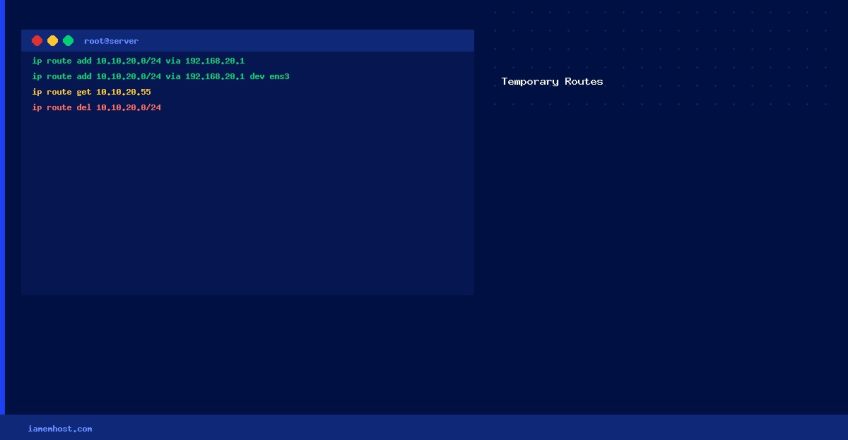

Temporary routes are added immediately using the ip route add command and take effect without any service restart. They are lost after a reboot — use them for testing or one-off routing needs. For routes that must survive reboots, see the persistent routes guide.
Add a Temporary Route
# Basic route: send traffic for 10.10.20.0/24 via gateway 192.168.20.1
ip route add 10.10.20.0/24 via 192.168.20.1

# Specify the outgoing network interface
ip route add 10.10.20.0/24 via 192.168.20.1 dev ens3

# Add with a specific metric (lower metric = higher priority)
ip route add 10.10.20.0/24 via 192.168.20.1 dev ens3 metric 105

# Route to a single host (/32)
ip route add 10.10.20.55/32 via 192.168.20.1
Verify the Route Was Added
# Show all routes
ip route show

# Check if a specific destination is reachable and via which path
ip route get 10.10.20.55

# Ping to confirm end-to-end reachability
ping -c 3 10.10.20.55
Delete a Temporary Route
# Remove a specific route
ip route del 10.10.20.0/24 via 192.168.20.1

# Remove all routes for a destination (any gateway)
ip route del 10.10.20.0/24
Legacy ip route Syntax (CentOS 6)
# Older systems used 'route add' (deprecated):
route add -net 10.10.20.0 netmask 255.255.255.0 gw 192.168.20.1