
By default, Zimbra accepts inbound messages destined for non-existent accounts and only rejects them after the full message body has been transmitted — wasting bandwidth and processing time. Enabling sender address verification and recipient rejection causes Zimbra to reject invalid addresses during the SMTP handshake with a 550 No such user response.
Enable Recipient and Sender Verification
Run as the zimbra user:
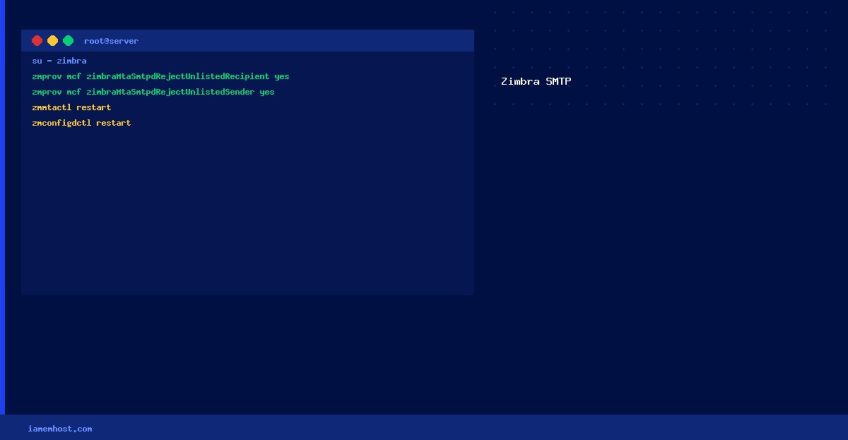
su - zimbra# Reject mail to non-existent recipients at SMTP time
zmprov mcf zimbraMtaSmtpdRejectUnlistedRecipient yes
# Reject mail from non-existent/invalid senders at SMTP time
zmprov mcf zimbraMtaSmtpdRejectUnlistedSender yesRestart Required Services
# Restart MTA and config daemon
zmmtactl restart
zmconfigdctl restart

# Verify the settings were applied
zmprov gcf zimbraMtaSmtpdRejectUnlistedRecipient
zmprov gcf zimbraMtaSmtpdRejectUnlistedSender
Verify it’s Working
# Send a test email to a non-existent address from an external mail server
# (or use telnet/openssl to simulate SMTP):
openssl s_client -connect mail.yourdomain.com:25 -starttls smtp
EHLO test.com
MAIL FROM:
RCPT TO:
# Should receive: 550 5.1.1 No such user here
Additional Spam Reduction Measures
- SPF/DKIM/DMARC: Configure all three DNS records to improve your domain’s email reputation
- RBL checks: Enable real-time blocklist checks in Zimbra Admin → Global Settings → MTA → Enable realtime blackhole list
- Greylisting: Enable postfix greylisting for additional spam reduction (requires Zimbra MTA tuning)