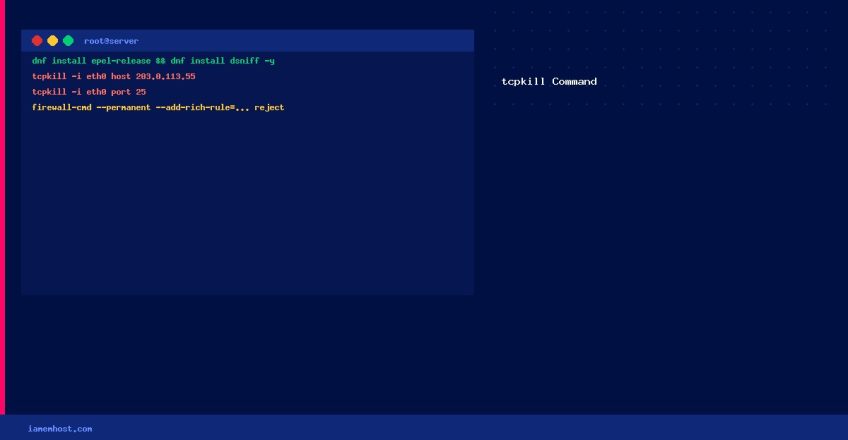

tcpkill is a network utility that forcibly terminates active TCP connections matching a specified filter. It’s part of the dsniff package and is useful for immediately cutting off connections from a malicious or abusive IP — faster than blocking via firewall for already-established sessions.
Installation
# AlmaLinux / Rocky Linux / CentOS (requires EPEL)
dnf install epel-release -y
dnf install dsniff -y

# Debian / Ubuntu
apt install dsniff -y
Basic Usage
# Syntax: tcpkill -i

# Kill all connections from/to a specific IP
tcpkill -i eth0 host 203.0.113.55

# Kill all connections on a specific port
tcpkill -i eth0 port 25

# Kill only inbound connections from a specific IP
tcpkill -i eth0 src host 203.0.113.55

# Kill connections to a specific IP AND port
tcpkill -i eth0 host 203.0.113.55 and port 80
Find Your Interface Name
# List interfaces
ip link show
# Common names: eth0, ens3, ens18, enp0s3 — replace eth0 accordingly
Permanent Block: Use firewalld Instead
tcpkill terminates existing connections but does NOT prevent new ones. For a lasting block, use the firewall:
# Block an IP permanently with firewalld
firewall-cmd --permanent --add-rich-rule='rule family="ipv4" source address="203.0.113.55" reject'
firewall-cmd --reload

# Or with iptables
iptables -I INPUT -s 203.0.113.55 -j DROP
iptables-save > /etc/sysconfig/iptables
When to Use tcpkill vs Firewall
| Scenario | Use |
|---|---|
| Immediately cut an active connection | tcpkill |
| Prevent future connections from an IP | firewalld / iptables |
| Both — cut and block | tcpkill first, then firewall rule |