
Running out of disk space on a Linux server can cause everything from web server failures to database corruption. This guide provides practical commands to identify space hogs, manage inodes, clean up safely, and set up monitoring.
Check Overall Disk Usage
# Human-readable disk usage by filesystem
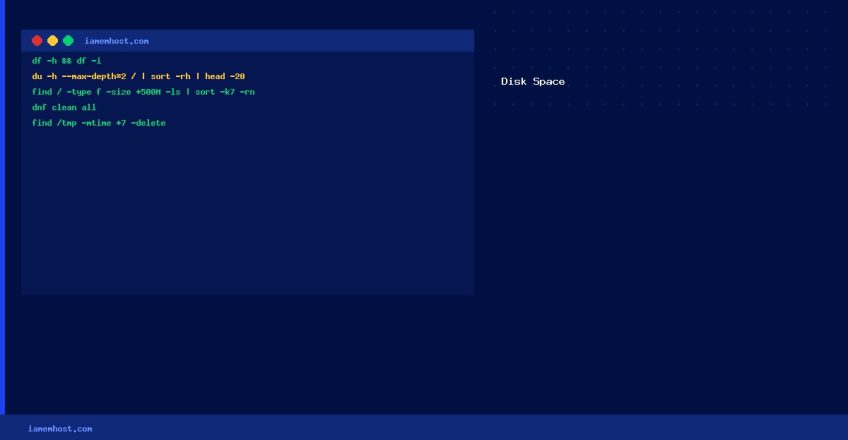
df -h

# Check inodes (different from space — you can run out of inodes with space remaining)
df -i
Find the Largest Directories
# Top 20 largest directories under /
du -h --max-depth=2 / 2>/dev/null | sort -rh | head -20

# Find large files over 500MB
find / -type f -size +500M 2>/dev/null -ls | sort -k7 -rn | head -20
Find Directories with High Inode Usage
# Count files per directory (run from / for full picture)
for d in $(find / -maxdepth 2 -type d 2>/dev/null); do
    printf "%dt%sn" "$(find "$d" -maxdepth 1 | wc -l)" "$d"
done | sort -rn | head -20
Common Space Consumers and How to Clean Them
# Old Exim mail queue
exim -bpc && exiqgrep -z -i | xargs exim -Mrm

# Rotated logs taking too much space
find /var/log -name "*.gz" -mtime +30 -delete
find /var/log -name "*.log" -mtime +90 -delete

# YUM/DNF package cache
dnf clean all   # AlmaLinux / Rocky Linux
yum clean all   # CentOS 7

# Old kernel packages (keep at least 2 for safety)
dnf remove $(dnf repoquery --installonly --latest-limit=-2 -q 2>/dev/null)

# Temp files older than 7 days
find /tmp /var/tmp -mtime +7 -delete 2>/dev/null
cPanel-Specific Cleanup
# Clean cPanel update cache
/usr/local/cpanel/scripts/upcp --clean

# Remove old cPanel backups (check retention settings first)
ls /backup/
# Delete specific old backups via: rm -rf /backup/YYYY-MM-DD/

# Check Exim log size
du -sh /var/log/exim_mainlog
Set Up Disk Usage Alerts
# Add a cron job to alert when disk usage exceeds 80%
cat >> /etc/cron.d/disk-alert < 80 {print "DISK ALERT: "$6" at "$5}' | mail -s "Disk Alert $(hostname)" admin@yourdomain.com
EOF