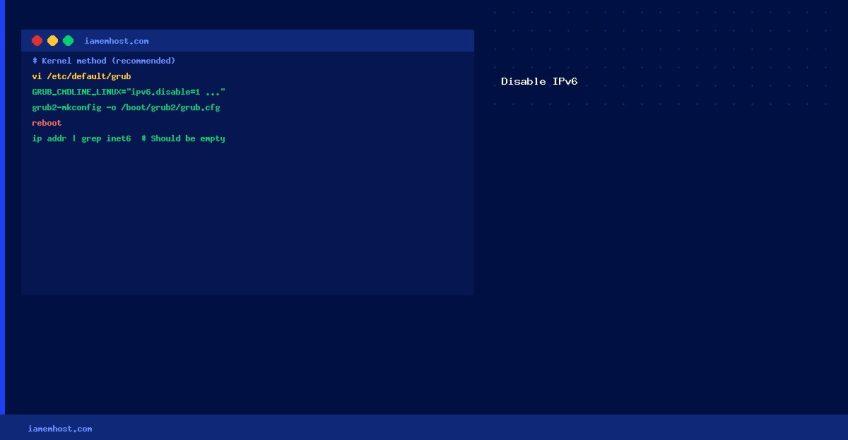

Some legacy applications, firewalls, or network configurations don’t support IPv6. Disabling it at the kernel level prevents IPv6 from loading at all — the most thorough approach. This guide covers the kernel parameter method (works on RHEL 7/8/9, CentOS, AlmaLinux, Rocky Linux) and the sysctl method.
Method 1: Kernel Parameter (Recommended — Survives Reboots)
Step 1 — Edit GRUB Configuration
# Edit the GRUB config file
vi /etc/default/grub

# Find the GRUB_CMDLINE_LINUX line and add ipv6.disable=1:
GRUB_CMDLINE_LINUX="ipv6.disable=1 crashkernel=auto rhgb quiet"
Step 2 — Regenerate GRUB
# BIOS-based systems
grub2-mkconfig -o /boot/grub2/grub.cfg

# UEFI-based systems
grub2-mkconfig -o /boot/efi/EFI/centos/grub.cfg
# (path varies by distro — check /boot/efi/EFI/ for the correct directory)
Step 3 — Reboot
rebootMethod 2: sysctl (No Reboot Required)
# Add to /etc/sysctl.d/99-disable-ipv6.conf
cat > /etc/sysctl.d/99-disable-ipv6.conf << 'EOF'
net.ipv6.conf.all.disable_ipv6 = 1
net.ipv6.conf.default.disable_ipv6 = 1
net.ipv6.conf.lo.disable_ipv6 = 1
EOF

# Apply immediately (no reboot needed)
sysctl --system
Note: sysctl method disables IPv6 in the running kernel but the module still loads. The kernel parameter method (ipv6.disable=1) prevents the module from loading at all and is more complete.
Verify IPv6 is Disabled
# Should show no inet6 addresses
ip addr | grep inet6

# Check kernel module status
lsmod | grep ipv6
# (should be empty if kernel parameter method used)
How to Check Bandwidth Usage on cPanel and WHM
Iamem HostingDisk Space Management on Linux: Find, Clean, and Monitor
Iamem Hosting