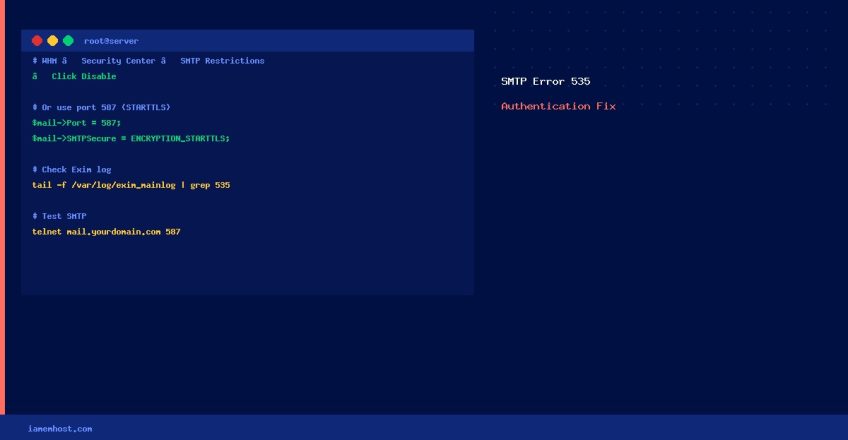

The SMTP error 535: Incorrect authentication data on cPanel servers typically means a PHP script, contact form, or mail plugin is trying to send email directly over port 25 (the SMTP relay port) but is being blocked by cPanel’s SMTP Restrictions security feature. Here’s how to diagnose and fix it.
What Causes SMTP Error 535?
- The PHP mail script is using SMTP authentication directly on port 25 but WHM’s SMTP Restrictions blocks non-root processes from making direct SMTP connections
- Incorrect SMTP username or password in the mail plugin/script
- The mail account password was recently changed but not updated in the script
- The sending IP is listed in a real-time blacklist (RBL)
Fix 1: Disable SMTP Restrictions in WHM (Most Common Fix)
- Log in to WHM as root
- Navigate to Security Center → SMTP Restrictions
- Click Disable to turn off SMTP Restrictions
This allows PHP scripts to make direct SMTP connections. If you need to keep SMTP Restrictions enabled (recommended for shared hosting), use Fix 2 instead.
Fix 2: Use PHP’s mail() Function or a Trusted SMTP Plugin
Rather than disabling the security feature, configure your application to use cPanel’s local mail delivery or an authenticated SMTP relay on port 587:
// Example: PHPMailer configuration using cPanel SMTP on port 587
$mail = new PHPMailerPHPMailerPHPMailer();
$mail->isSMTP();
$mail->Host       = 'mail.yourdomain.com';
$mail->SMTPAuth   = true;
$mail->Username   = 'noreply@yourdomain.com';
$mail->Password   = 'your_email_password';
$mail->SMTPSecure = PHPMailerPHPMailerPHPMailer::ENCRYPTION_STARTTLS;
$mail->Port       = 587;   // Use 587 (STARTTLS), not 25
Fix 3: Verify SMTP Credentials
Test the exact credentials from the command line:
# Test SMTP authentication manually
openssl s_client -connect mail.yourdomain.com:587 -starttls smtp
# Then type: EHLO yourdomain.com
# Then: AUTH LOGIN
# Then enter base64-encoded username and password:
echo -n "noreply@yourdomain.com" | base64
echo -n "your_password" | base64
Fix 4: Use WordPress SMTP Plugin (for WordPress Sites)
If the error comes from a WordPress contact form, install WP Mail SMTP and configure it to use your cPanel email account or a transactional email service (Mailgun, SendGrid, Amazon SES) on port 587 with STARTTLS. This completely bypasses the SMTP Restrictions issue.
Quick Diagnostic Checklist
| Check | Command / Location |
|---|---|
| SMTP Restrictions status | WHM → Security Center → SMTP Restrictions |
| Correct email password | cPanel → Email Accounts → Manage |
| Port being used | Should be 587 (STARTTLS) or 465 (SSL), not 25 |
| Check Exim error log | tail -f /var/log/exim_mainlog | grep 535 |
| Test SMTP connection | telnet mail.yourdomain.com 587 |