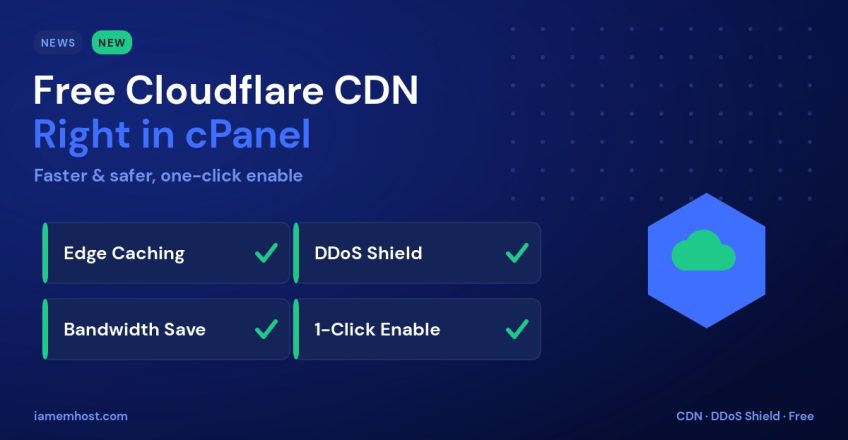

We’re making it easier than ever to speed up and protect your website: free Cloudflare CDN integration is now available directly in your cPanel. With a few clicks, you can route your traffic through Cloudflare’s global network — reducing load times worldwide and adding a powerful layer of security — all from your hosting dashboard.
What a CDN Does for Your Site
A Content Delivery Network (CDN) stores cached copies of your site on servers around the world and serves each visitor from the location closest to them. The benefits are immediate:
- Faster load times — static assets are delivered from a nearby edge server.
- Lower server load — Cloudflare absorbs much of your traffic, freeing your hosting resources.
- DDoS protection — malicious traffic is filtered at the edge before it reaches you.
- Bandwidth savings — cached traffic doesn’t count against your account.
How to Enable Cloudflare in cPanel
- Log in to cPanel and find the Cloudflare icon (under the Software or Security section).
- Sign in to a free Cloudflare account or create one directly from the page.
- Select the domain you want to accelerate and click Provision / Enable.
- Cloudflare activates caching and protection for your site — usually within minutes.
That’s it. Your site now loads through Cloudflare’s network, with caching and security working in the background.
Recommended Settings
| Setting | Recommendation |
|---|---|
| Auto Minify | Enable for CSS, JS & HTML |
| Brotli compression | On |
| Always Use HTTPS | On |
| Caching level | Standard |
| Browser cache TTL | At least a few hours |
A Note on Dynamic Sites
Cloudflare caches static assets by default and safely bypasses cache for logged-in users and checkout pages. For WordPress, pairing Cloudflare with a caching plugin gives you the best of both worlds — edge delivery plus full-page caching.
Speed and Security, One Click Away
Adding a CDN used to mean fiddly DNS changes. Now it’s built into your cPanel and free to enable. Turn on Cloudflare today for a faster, safer, more resilient website — and reach out to support if you’d like help getting set up.