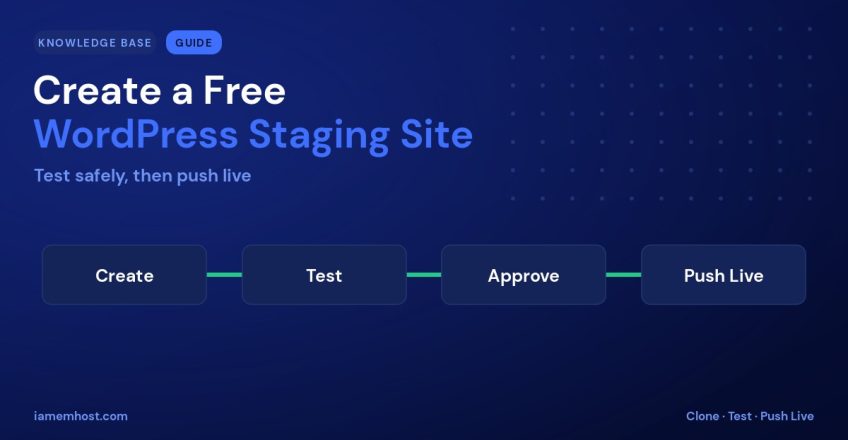

Ever been nervous about updating a plugin or changing your theme on a live site? You’re not alone — one bad update can break a page or take a site offline. The solution is a staging site: a private clone of your website where you can test changes safely before they go live. With IAMEM Hosting, you can create one for free in just a few clicks. Here’s how.
What Is a Staging Site?
A staging site is an exact copy of your live WordPress site, hosted on a private URL that visitors and search engines don’t see. You can update plugins, try a new theme, edit code, or test new content there — and only when everything works do you push those changes to your live site. If something breaks on staging, your real site is completely unaffected.
When to Use Staging
- Before major plugin or theme updates.
- When redesigning or changing layouts.
- To test custom code or new functionality.
- Before a WooCommerce or checkout change.
- Any time a mistake on the live site would cost you visitors or sales.
How to Create a Staging Site
- Log in to cPanel and open WordPress Manager by Softaculous.
- Find your live installation and click the Create Staging option.
- Choose a staging location (a subdomain or subfolder is created automatically) and confirm.
- Wait a moment while a full copy of your site is built — files and database included.
Your staging site is now ready at its private URL, with its own copy of everything.
Testing and Pushing Changes Live
Make and test your changes on the staging site as much as you like. When you’re happy:
- Return to WordPress Manager.
- Select your staging install and choose Push to Live.
- Pick whether to push files, the database, or both, and confirm.
Tip: always take a backup of your live site before pushing, just in case — and remember that pushing the database will overwrite live content, so avoid it if your live site has new orders or comments since you cloned it.
Test with Confidence
Staging takes the fear out of maintaining your website. Create a staging site, experiment freely, and push only what works — all included free with your IAMEM Hosting plan. Questions? Our support team is happy to walk you through it.