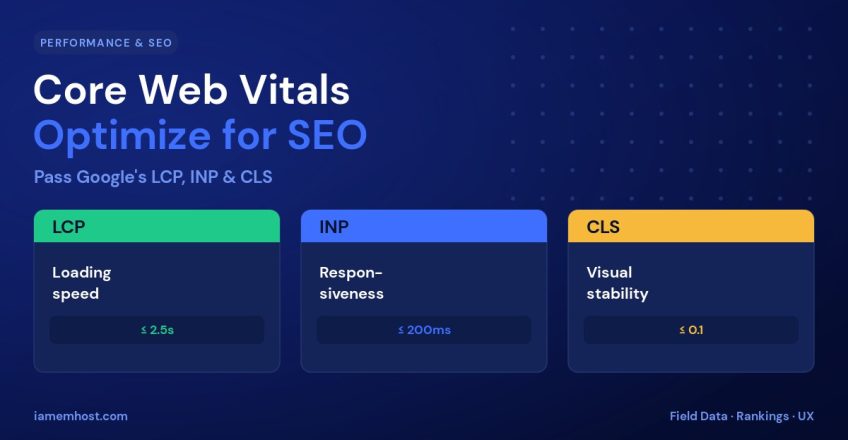

Google doesn’t just rank pages on content — it rewards pages that feel fast and stable to real users. Core Web Vitals are the three metrics Google uses to measure that experience, and they’re a confirmed ranking signal. The good news is that they’re measurable and fixable. This guide explains what LCP, INP, and CLS actually measure and gives you practical ways to optimize each one.
The Three Core Web Vitals
| Metric | Measures | Good | Needs work |
|---|---|---|---|
| LCP (Largest Contentful Paint) | Loading speed | ≤ 2.5s | > 4.0s |
| INP (Interaction to Next Paint) | Responsiveness | ≤ 200ms | > 500ms |
| CLS (Cumulative Layout Shift) | Visual stability | ≤ 0.1 | > 0.25 |
Note: in March 2024, INP officially replaced FID (First Input Delay) as the responsiveness metric — it’s a stricter, more complete measure of interactivity.
Optimizing LCP (Loading)
LCP measures how long the largest visible element — usually a hero image or heading — takes to render. To improve it:
- Optimize images — serve modern formats (WebP/AVIF), compress, and size them correctly.
- Use a CDN — deliver assets from a server near each visitor.
- Enable caching — full-page and browser caching cut server response time (TTFB).
- Preload the hero asset —
<link rel="preload">the LCP image or font.
<link rel="preload" as="image" href="/hero.webp" fetchpriority="high">Optimizing INP (Responsiveness)
INP measures how quickly the page responds when a user clicks, taps, or types. Slow responses are almost always caused by heavy JavaScript blocking the main thread. To improve it:
- Reduce JavaScript — remove unused scripts and heavy third-party tags.
- Defer non-critical JS — use
deferorasyncon script tags. - Break up long tasks — split heavy work so the browser can respond between chunks.
- Audit plugins — on WordPress, a single bloated plugin can wreck INP.
Optimizing CLS (Stability)
CLS measures unexpected layout shifts — the annoying jump when an image or ad loads and pushes content down. To eliminate it:
- Set width and height on all images and video elements so the browser reserves space.
- Reserve space for ads and embeds with a fixed container.
- Preload fonts and use
font-display: optionalto avoid text reflow. - Never insert content above existing content after load.
<!-- Always declare dimensions -->
<img src="/photo.webp" width="1200" height="630" alt="...">
How to Measure Your Scores
| Tool | Best for |
|---|---|
| PageSpeed Insights | Quick lab + field data for one URL |
| Google Search Console | Site-wide Core Web Vitals report |
| Chrome DevTools (Lighthouse) | Detailed lab diagnostics while developing |
| CrUX / field data | Real-world scores from actual visitors |
Always prioritize field data (real users) over lab data — it’s what Google uses for ranking.
Conclusion
Core Web Vitals turn “site speed” into three concrete targets: LCP for loading, INP for responsiveness, and CLS for stability. Optimize images and caching for LCP, trim JavaScript for INP, and reserve space for elements to fix CLS. Measure with real field data, fix the worst metric first, and you’ll improve both your rankings and the experience of every visitor.