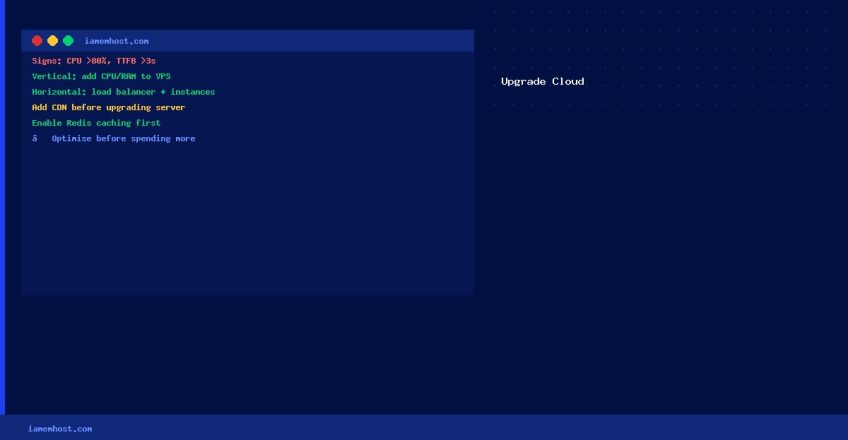

Knowing when and how to upgrade your cloud hosting plan prevents performance problems before they impact your business. Here’s a practical guide to cloud hosting upgrades.
Signs You Need to Upgrade
- Page load times consistently exceed 3 seconds during peak hours
- Your monitoring shows CPU usage above 80% regularly
- Database queries are timing out under normal traffic
- You’re hitting your monthly bandwidth or storage limits
- Your website goes down during traffic spikes (product launches, campaigns)
Upgrade Options
- Vertical scaling: Add more CPU and RAM to your existing VPS (downtime may be required)
- Horizontal scaling: Add more server instances behind a load balancer (zero downtime, more complex)
- Upgrade storage: Add block storage or switch from HDD to NVMe SSD
- Add CDN: Cloudflare or a provider-specific CDN can halve bandwidth usage without changing the server
- Move to managed hosting: Hand off server management to the provider
Before Upgrading: Optimise First
Before spending more on hosting, verify the bottleneck is actually the server and not the application. Enable object caching (Redis), optimise database queries, compress images, and use a CDN. These changes can often eliminate the need for a hardware upgrade entirely.

How Web Hosting Affects Your Website’s Search Rankings
Iamem Hosting