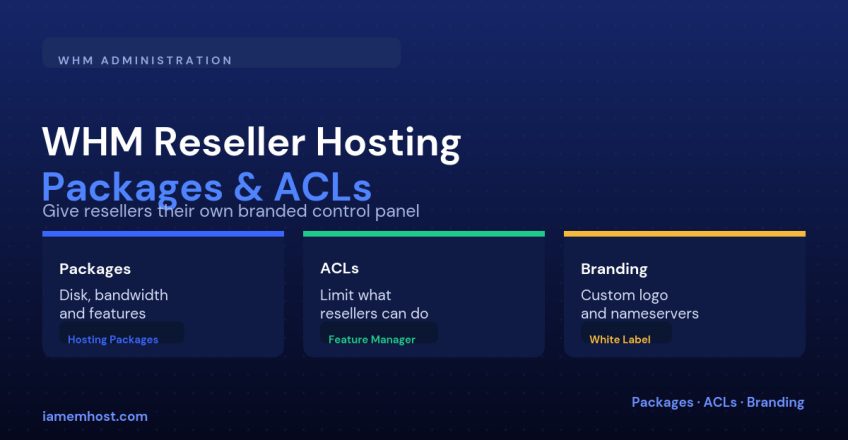

Reseller hosting lets a WHM server owner sell hosting capacity to a third party who then creates and manages their own cPanel accounts — without ever seeing your root WHM password or the accounts of other resellers. The whole model rests on three WHM features working together: hosting packages that define what each end account gets, ACLs that define what the reseller is allowed to do, and branding so the reseller’s customers never see your company name.
The Building Blocks
| Feature | What it controls |
|---|---|
| Hosting package | Disk space, bandwidth, email/database/subdomain limits, and which cPanel features are enabled for an end-user account |
| Reseller ACL (privilege set) | Which WHM functions the reseller account itself can access — create accounts, suspend, terminate, edit DNS, etc. |
| Nameservers & branding | Whether customers see the reseller’s name/nameservers or yours |
Step 1: Create a Hosting Package
WHM → Packages → Add a Package. Define quotas conservatively — resellers will create many accounts from a single package, so oversized defaults quietly eat your server’s total capacity:
WHM > Packages > Add a Package
  Disk Quota: 5000 MB
  Bandwidth: 50000 MB
  Max Email Accounts: 25
  Max Databases: 10
  Max Subdomains: 10
  Max Parked Domains: 5
  CGI Access: off
  Shell Access: jailed or none
Create a few tiers (Starter, Business, Pro) so the reseller has something to offer their own customers without needing WHM access to build packages themselves.
Step 2: Create the Reseller Account
WHM → Create a New Account, then after creation, WHM → Manage Reseller Privileges to turn a normal account into a reseller and assign an ACL.
Step 3: Restrict What the Reseller Can Do (ACLs)
By default WHM offers an all ACL (full reseller power) or you can build a custom one under Reseller Center → Edit ACL List. A safe baseline for most reseller arrangements:
| ACL permission | Typical setting |
|---|---|
| create-acct / suspend-acct / terminate-acct | Enabled — core of what a reseller does |
| edit-mx / edit-dns | Enabled, scoped to the reseller’s own domains only |
| clustering / cluster-server | Disabled — only relevant on multi-server WHM setups |
| add-pkg / edit-pkg | Disabled unless the reseller should be able to invent their own packages |
| quota / limits override | Capped so a reseller can’t assign more disk/bandwidth than they were sold |
The overall quota a reseller can allocate across all their accounts is set separately under Reseller Center → Resource Limits — this is what actually prevents a reseller from provisioning far beyond what you sold them.
Step 4: Branding and Nameservers
Under WHM → cPanel Branding and the reseller’s own Manage Branding in their cPanel/WHM interface, they can upload a logo and set a support contact, so their customers see the reseller’s identity throughout cPanel.
For true white-labeling, register private nameservers under the reseller’s domain (e.g. ns1.resellerdomain.com) pointing at your server’s IP, so end customers never see your hosting brand in a WHOIS or nameserver lookup:
# At the reseller's domain registrar
ns1.resellerdomain.com  A  203.0.113.10
ns2.resellerdomain.com  A  203.0.113.11
Common Mistakes
| Mistake | Consequence |
|---|---|
Giving every reseller the full all ACL | One reseller can suspend or view another’s accounts |
| No overall resource limit on the reseller | A single reseller can provision accounts until the server runs out of disk |
| Skipping private nameservers | Reseller’s customers see your hosting company in a WHOIS lookup, undermining the white-label pitch |
Conclusion
Reseller hosting in WHM is really just package limits plus permission limits plus a coat of paint. Build conservative packages, scope the ACL to only what the reseller actually needs to run their business, cap their total resource allocation, and finish with private nameservers if the relationship needs to look fully independent of your own brand.