
Linux hosting with cPanel is the most popular hosting configuration in the world — combining the Linux operating system (stable, secure, cost-effective) with cPanel (the most widely used hosting control panel). Here’s everything you need to know.
What is cPanel?
cPanel is a web-based control panel that gives website owners a graphical interface to manage their hosting account — creating email addresses, managing databases, installing applications, handling backups, and configuring domains — without needing to know Linux command-line skills.
Key Features of Linux/cPanel Hosting
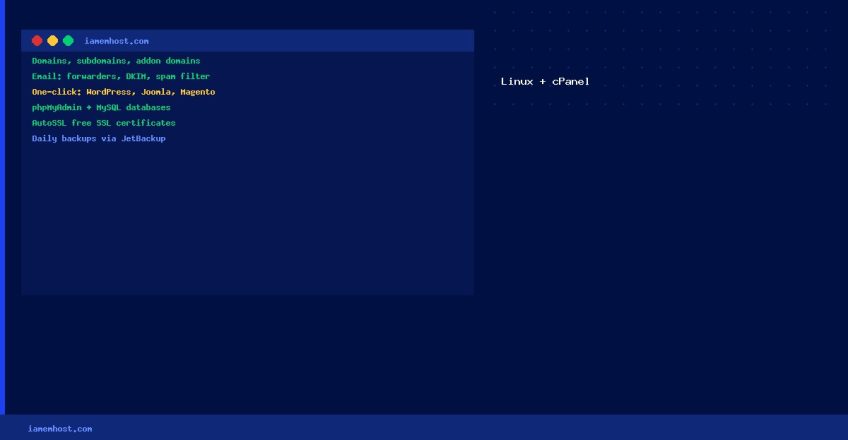
Domains & Subdomains: Add unlimited addon domains and create subdomains with a few clicks Email Hosting: Create email accounts, set up forwarders, autoresponders, and spam filters One-Click App Install: Softaculous or Installatron installs WordPress, Joomla, Magento in under 60 seconds File Manager: Upload, edit, and manage files directly in the browser Database Management: phpMyAdmin for MySQL/MariaDB — create databases, import/export, run queries AutoSSL/Let’s Encrypt: Free SSL certificates automatically issued and renewed Daily Backups: Automated backups via JetBackup or cPanel’s built-in backup tool Security Tools: Imunify360, ModSecurity WAF, IP blocker, password-protected directories
Who is Linux/cPanel Hosting For?
Linux/cPanel hosting is ideal for: small businesses and bloggers running WordPress, developers managing multiple client websites, e-commerce stores running WooCommerce or Magento, and anyone who needs reliable email hosting alongside their website.
Typical Linux/cPanel Hosting Specs
| Resource | Typical Entry Plan | Business Plan |
|—|—|—|
| Storage | 10–50 GB SSD/NVMe | 100 GB+ SSD/NVMe |
| Bandwidth | 1–5 TB/month | Unmetered |
| Email accounts | 10–unlimited | Unlimited |
| Databases | 5–unlimited | Unlimited |
| PHP version | 8.0–8.3 | 8.0–8.3 |