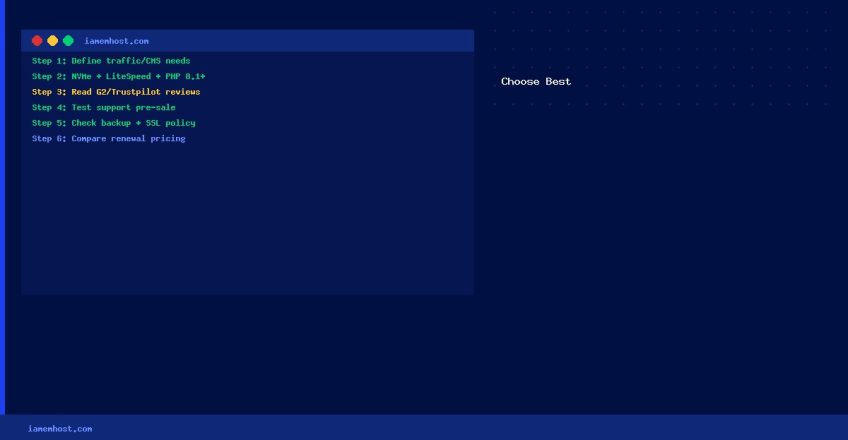

With hundreds of web hosting providers competing for your business, the choice can be overwhelming. This step-by-step guide cuts through the marketing noise and focuses on what actually matters.
Step 1 — Define Your Requirements
- What CMS will you use? (WordPress, Joomla, custom PHP, Node.js?)
- What is your expected monthly traffic? (Under 10k/month → shared; 10k–100k → VPS; 100k+ → cloud/dedicated)
- Do you need email hosting included?
- Do you need root server access for custom software?
Step 2 — Evaluate Technical Specifications
- Storage type: NVMe > SSD > HDD
- Web server: LiteSpeed or Nginx > Apache
- PHP version: Must support 8.1+
- Database: MySQL 8.0 or MariaDB 10.4+
- Control panel: cPanel (most user-friendly), Plesk, or DirectAdmin
Step 3 — Check Reputation and Reviews
Read independent reviews on G2, Trustpilot, and WebHostingTalk. Look for consistent patterns in negative reviews — if multiple users report slow support or hidden fees, treat that as a red flag. Check whether the provider has a public status page.
Step 4 — Test Support Before Buying
Start a live chat and ask a specific technical question (e.g., “What version of MariaDB do you run and can I connect to it remotely?”). A good host answers precisely within 5 minutes. A bad host deflects or takes 30+ minutes.