
The PHP Imagick extension provides PHP bindings for ImageMagick — a powerful image processing library. On cPanel servers with EasyApache 4 (EA4), you can install it per PHP version via YUM/DNF. This guide covers installation for modern PHP versions (8.x).
Method 1: Install via YUM/DNF (EA4 Package — Easiest)
# Install for specific PHP versions (replace XX with your PHP version)
# PHP 8.2
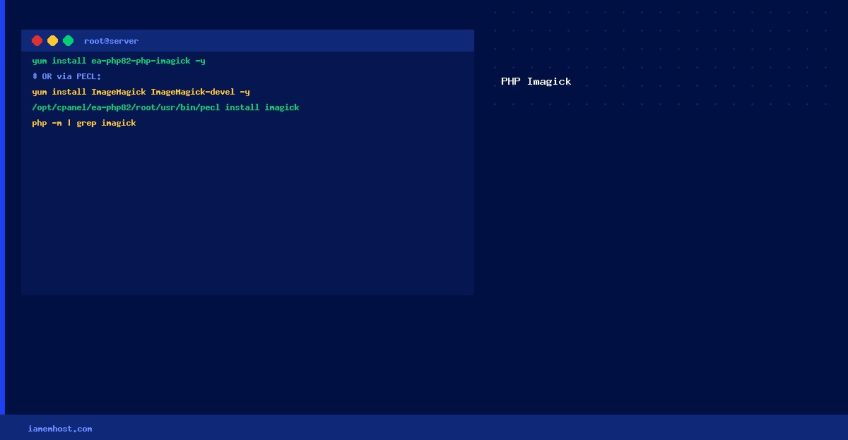
yum install ea-php82-php-imagick -y

# PHP 8.1
yum install ea-php81-php-imagick -y

# PHP 8.0
yum install ea-php80-php-imagick -y

# Verify available EA4 imagick packages
yum search ea-php | grep imagick
No restart required — EA4 packages configure the extension automatically.
Method 2: Via WHM EasyApache 4 GUI
- Log in to WHM → Software → EasyApache 4
- Click Customize on your current profile
- Select the PHP Extensions tab
- Search for imagick and enable it for your PHP version(s)
- Click Review → Provision
Method 3: PECL Install (if EA4 package not available)
# Install ImageMagick system library first
yum install ImageMagick ImageMagick-devel -y

# Install via PECL for a specific PHP version (e.g., PHP 8.2)
/opt/cpanel/ea-php82/root/usr/bin/pecl install imagick

# Add extension to PHP ini
echo "extension=imagick.so" > /opt/cpanel/ea-php82/root/etc/php.d/imagick.ini
Verify the Installation
# Check if imagick is loaded
/opt/cpanel/ea-php82/root/usr/bin/php -m | grep -i imagick

# Check ImageMagick version available
/opt/cpanel/ea-php82/root/usr/bin/php -r "echo Imagick::getVersion()['versionString'];"
Quick Test: Resize an Image
resizeImage(800, 600, Imagick::FILTER_LANCZOS, 1, true);
$image->writeImage('/path/to/output.jpg');
echo "Success: " . $image->getImageWidth() . "x" . $image->getImageHeight();
$image->destroy();