
The moment you publish a DMARC record with a rua tag, mailbox providers start emailing you gzipped XML reports — and most people either ignore them or open one, panic at the format, and go back to ignoring them. That’s a mistake: these reports are the only reliable way to know who’s sending mail as your domain before you tighten your policy to p=reject.
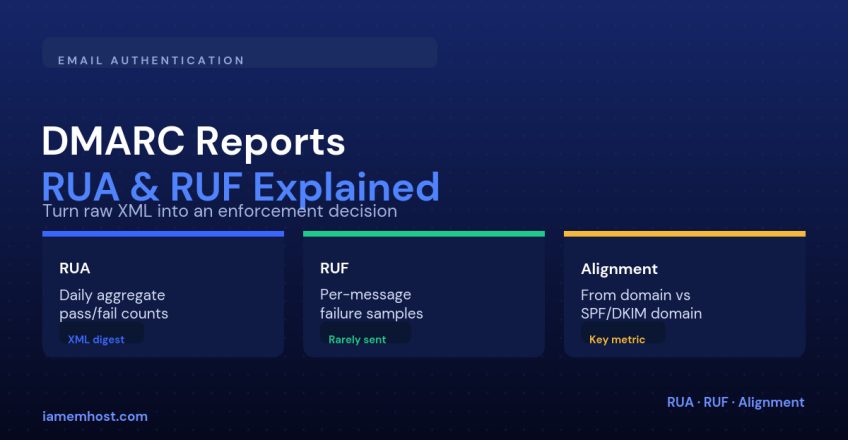
RUA vs RUF
| Report type | What it contains | Reality |
|---|---|---|
| RUA (aggregate) | Daily XML summary: source IPs, volume, SPF/DKIM results, disposition | Sent reliably by almost every major receiver |
| RUF (forensic) | Individual failing message samples, including headers | Rarely honored anymore — most providers dropped it for privacy reasons |
In practice, plan your whole DMARC rollout around RUA data. Don’t rely on RUF being available.
Anatomy of an Aggregate Report
Each report is an XML document with one <record> block per sending source. The parts that matter:
    203.0.113.42
    187

      none
      pass
      fail


    example.com


    mailer3.example.netfail
    example.compass
Read it as: 187 messages arrived claiming to be from example.com, from IP 203.0.113.42. SPF failed because the sending IP belongs to a different domain, but DKIM passed and is aligned with the header From — so DMARC still passes overall, since it only needs one of the two to align.
Setting Up Reporting
_dmarc.example.com. TXT "v=DMARC1; p=none; rua=mailto:dmarc-reports@example.com; fo=1"You can point rua at more than one address (comma-separated), and many admins use a dedicated mailbox or a third-party parsing address specifically so reports don’t clutter a shared inbox.
Making Sense of the Data
| Field | Question it answers |
|---|---|
source_ip | Do I recognize this server? Is it a known third-party sender? |
count | How much volume is coming from this source — worth investigating or noise? |
spf / dkim result | Did authentication pass for this source? |
header_from vs auth_results domain | Is the authenticated domain aligned with what the recipient sees? |
disposition | What DMARC told the receiver to do — none, quarantine, or reject |
The workflow is simple: every unrecognized source_ip with high volume and failing results is either a legitimate sender you forgot to whitelist in SPF, or an actual spoofing attempt. Every recognized sender should eventually show consistent passes before you tighten enforcement.
Tools That Parse Reports for You
Reading raw XML by hand doesn’t scale past a handful of reports a day. Free and paid DMARC report analyzers (dmarcian, EasyDMARC and similar services, or a self-hosted open-source parser) will ingest the mailbox and give you a dashboard of sources, pass rates and alignment over time — worth setting up before you have hundreds of daily reports to work through manually.
From Data to p=reject
Move to enforcement only once every legitimate source consistently shows a DMARC pass for at least two to three weeks of reports. Then step through p=quarantine at a low pct, watch for a drop in genuine mail delivery, and only then move to p=reject.
Conclusion
DMARC reports turn a guess (“is anyone else sending mail as us?”) into a fact. RUA reports are reliable and worth automating; don’t build a plan around RUF. Read the source IPs, check alignment, and only tighten your policy once the data says it’s safe.