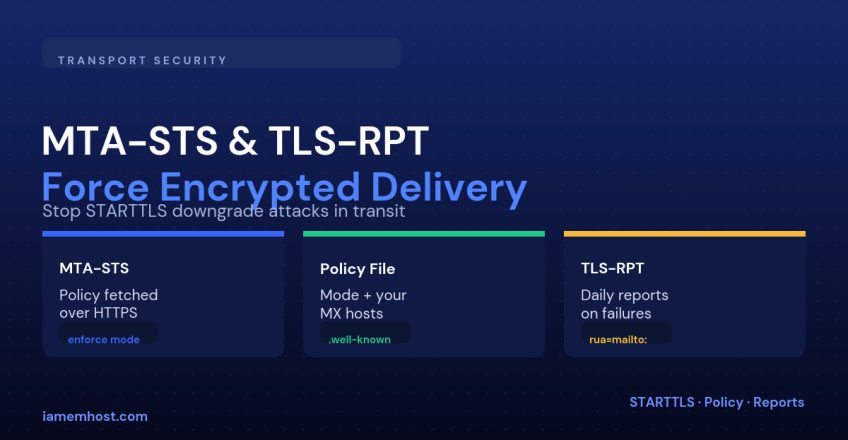

Standard SMTP negotiates encryption with STARTTLS — but STARTTLS is opportunistic. If an attacker on the network path strips the STARTTLS response, both mail servers quietly fall back to sending the message in plaintext, and nobody is notified. MTA-STS (Mail Transfer Agent Strict Transport Security) closes that gap by letting a domain publish a policy that says: only ever deliver to my mail servers over a verified TLS connection, or don’t deliver at all. TLS-RPT is its companion — a reporting channel that tells you when a sending server couldn’t establish that connection.
How MTA-STS Works
A receiving mail server that supports MTA-STS looks up a DNS TXT record for your domain, then fetches a policy file over HTTPS from a fixed, well-known URL. That policy lists your legitimate MX hosts and a mode:
| Mode | Behavior |
|---|---|
none | Policy exists but nothing is enforced — used to withdraw a policy safely |
testing | Failures are reported via TLS-RPT but mail still delivers — use this first |
enforce | Mail that can’t establish a valid TLS connection to a listed MX is rejected |
Step 1: Publish the MTA-STS DNS Record
_mta-sts.example.com. TXT "v=STSv1; id=20260916000000;"The id is an arbitrary string — bump it every time you change the policy file, so supporting mail servers know to re-fetch it instead of using a cached copy.
Step 2: Host the Policy File
The policy itself is a plain text file served over HTTPS with a valid certificate, at this exact path:
https://mta-sts.example.com/.well-known/mta-sts.txt

version: STSv1
mode: testing
mx: mail.example.com
mx: mail2.example.com
max_age: 604800
mta-sts.example.com needs its own valid TLS certificate — if that subdomain isn’t already pointed somewhere, add an A/CNAME record and issue it a certificate before you publish the DNS TXT record.
Step 3: Add TLS-RPT So You Can See What’s Happening
Without TLS-RPT you’re flying blind — you’ll never know if a sender’s connection failed or fell back to plaintext. Publish this alongside MTA-STS:
_smtp._tls.example.com. TXT "v=TLSRPTv1; rua=mailto:tls-reports@example.com"Reports arrive daily as gzipped JSON from any large provider (Google, Microsoft and others) that sent you mail, summarizing successful and failed TLS negotiations per sending server.
Rolling It Out Safely
Start in testing mode and leave it there for at least one to two weeks while you watch the TLS-RPT reports for failures. Only move to enforce once every legitimate MX in your policy is consistently negotiating TLS cleanly. Switching straight to enforce on day one risks silently dropping mail if even one of your listed MX hosts has a certificate problem.
Validating Your Setup
dig +short TXT _mta-sts.example.com
dig +short TXT _smtp._tls.example.com
curl -s https://mta-sts.example.com/.well-known/mta-sts.txt
Conclusion
MTA-STS and TLS-RPT protect the leg of the journey SPF, DKIM and DMARC don’t cover: the network hop between two mail servers. Publish the policy in testing mode, watch the TLS-RPT reports for a couple of weeks, then move to enforce once you’re confident every MX host in your policy is clean. It’s one of the few email security controls that costs nothing and has no downside once verified.