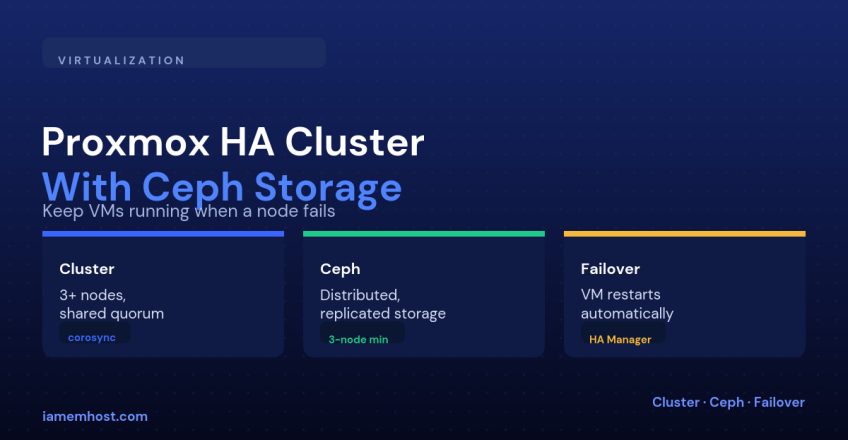

A single Proxmox node is a single point of failure: if the hardware dies, every VM on it goes down until you manually restore from backup. A Proxmox HA cluster with Ceph fixes that by spreading VM disks across multiple nodes as replicated storage, so when a node fails, its VMs simply restart on a surviving node — because their disk data was never only on the failed machine.
What You Need Before Starting
| Requirement | Why |
|---|---|
| At least 3 Proxmox nodes | Cluster quorum needs an odd number ≥ 3 to avoid split-brain |
| At least 3 nodes contributing Ceph OSDs | Ceph’s default replication factor of 3 needs 3 separate failure domains |
| A dedicated network for Ceph traffic | Storage replication is bandwidth-heavy; sharing it with VM traffic causes contention |
| Enterprise-grade SSDs, not consumer drives | Ceph write latency is sensitive to drive endurance and consistent IOPS |
Step 1: Build the Cluster
# On the first node
pvecm create prod-cluster

# On each additional node
pvecm add 10.0.0.11   # IP of the first node
Verify quorum before continuing — a cluster without quorum won’t let you do much of anything, by design, to prevent split-brain:
pvecm statusStep 2: Install and Configure Ceph
Proxmox has first-class Ceph integration in the GUI under Datacenter → Ceph, but the underlying steps are:
# On each node contributing storage
pveceph install
pveceph init --network 10.10.0.0/24   # dedicated Ceph network
pveceph mon create                     # Ceph monitor
pveceph osd create /dev/sdb            # one OSD per physical disk
Once at least three OSDs across three nodes are up, create a Ceph pool and a matching Proxmox storage entry so VM disks can actually be placed on it:
pveceph pool create vm-pool --size 3 --min_size 2Step 3: Enable HA on the VMs That Need It
HA isn’t automatic for every VM — you opt each one in, and assign it to an HA group if you want to control which nodes it’s allowed to run on:
ha-manager add vm:101 --state started --group prod-group
ha-manager status
How Failover Actually Plays Out
| Event | What happens |
|---|---|
| A node loses network/power | Remaining nodes detect the loss via corosync heartbeat and confirm quorum is still held |
| Fencing | The failed node is fenced (isolated) so it can’t come back and write to shared storage inconsistently |
| VM restart | HA manager starts the affected VMs on a healthy node, reading their disks from Ceph — no data was only on the dead node |
The Trade-Off
Ceph gives you this resilience at the cost of write latency — every write is replicated to multiple OSDs before it’s acknowledged, and that network round-trip is slower than writing to local NVMe. For workloads where raw disk latency matters more than automatic failover, local storage with a separate backup/replication strategy (see Proxmox Backup Server) can be the better fit.
Conclusion
A Proxmox HA cluster with Ceph turns hardware failure from an outage into a brief automatic restart. It needs at least three nodes, a dedicated storage network, and a deliberate choice about which VMs are worth the write-latency trade-off — but for anything that genuinely can’t go down when a single server fails, it’s the standard open-source answer.