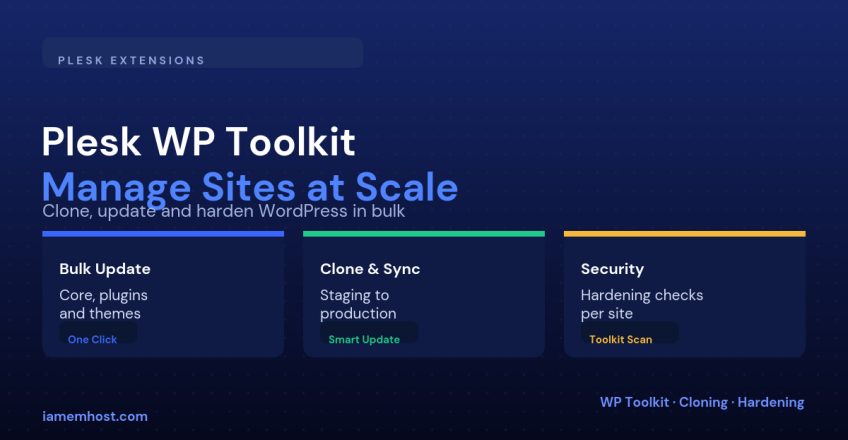

Managing five WordPress sites by hand is tedious. Managing fifty by hand is a job in itself. Plesk’s WordPress Toolkit is bundled free with every Plesk license and turns that job into a single dashboard: every WordPress install on the server, its plugin/theme versions, its security posture, and a one-click path to staging and cloning — all without touching wp-admin.
What the Toolkit Sees
As soon as WordPress is installed through Plesk (or an existing install is scanned in), it shows up in WordPress → installations with its version, active theme, plugin count, and a security score, across every subscription on the server.
Bulk Updating Core, Plugins, and Themes
Select multiple installations from the toolkit’s main list and apply updates across all of them in one action, instead of logging into each site’s wp-admin separately:
| Update target | Toolkit behavior |
|---|---|
| WordPress core | Can be set to auto-update on minor releases, with manual approval for major versions |
| Plugins | Bulk-select across sites; toolkit flags plugins with known vulnerabilities before you update |
| Themes | Same bulk flow, with a changelog preview where the theme author provides one |
Cloning and Staging
Every installation gets a one-click Clone action that duplicates the full site (files and database) to a new subscription or subdomain — the standard way to spin up a staging copy before testing an update. Once you’re happy with changes on staging, Smart Update can sync just the differences back to production, rather than a full overwrite, which limits the blast radius if something on staging drifted from production in the meantime.
WordPress Toolkit > select install > Clone/Migrate
  Target: new subdomain (e.g. staging.example.com)
  Copy: files + database

# After testing changes on staging:
WordPress Toolkit > staging site > Smart Update
  Push: only detected differences back to production
Security Checks
Each installation gets a security score based on checks the toolkit runs automatically: default admin username still in use, wp-config.php permissions, outdated core/plugins with known CVEs, and debug mode left enabled in production. The toolkit can apply several of these fixes directly — changing the admin username, hiding the login error message, disabling directory listing — without manual file edits.
| Check | Fix the toolkit can apply |
|---|---|
| Default “admin” username in use | Rename the administrator account in one click |
| XML-RPC enabled but unused | Disable it to close a common brute-force/amplification vector |
| Directory browsing enabled | Toggle it off at the web server config level |
| Outdated plugin with a known CVE | Flagged with a direct link to update |
Multi-User Access Without Sharing Credentials
The toolkit can grant a client SFTP-only or WordPress-admin-only remote access through Plesk itself, so a developer or client can manage their own site without ever receiving the underlying Plesk subscription credentials.
Conclusion
If you’re running Plesk and still logging into individual wp-admin dashboards to update plugins one site at a time, the WordPress Toolkit removes that entirely: bulk updates across every install, one-click staging with a differential push back to production, and an automated security score that catches the same handful of misconfigurations that cause most WordPress compromises.