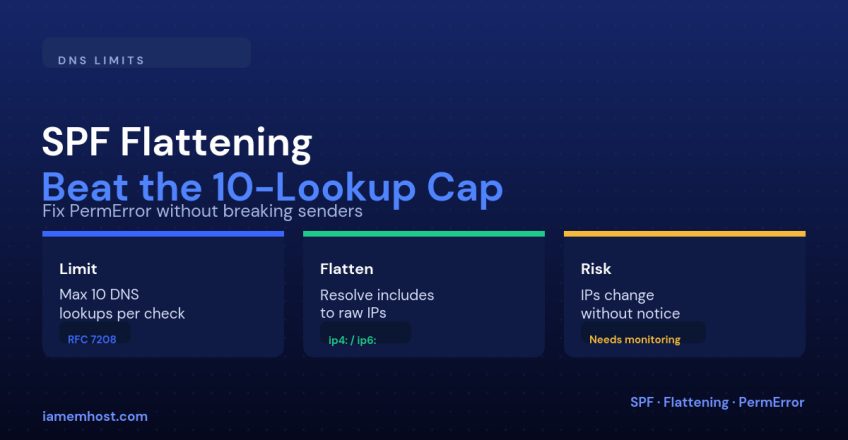

SPF has a hard limit, defined in RFC 7208: a receiving server will process at most 10 DNS lookups while evaluating your SPF record, and every include, a, mx, ptr and exists mechanism counts against that budget — including the lookups nested inside another domain’s include. Add Google Workspace, then Mailchimp, then Salesforce, then a helpdesk tool and a CRM, and you can quietly blow past 10 without ever seeing an error until a receiving server starts silently rejecting mail.
How Lookups Add Up
| Mechanism | Lookup cost |
|---|---|
include:_spf.google.com | 1, plus however many its own nested includes cost |
a | 1 |
mx | 1, plus one lookup per MX record returned |
ptr | 1 (also discouraged by the spec entirely) |
exists | 1 |
redirect | Not counted itself, but everything it points to is |
A record like v=spf1 include:_spf.google.com include:sendgrid.net include:spf.mailchimp.com include:_spf.salesforce.com include:servers.mcsv.net -all can easily total 10–15 lookups once each provider’s own nested includes are counted, even though it only lists five mechanisms.
What Happens When You Exceed the Limit
The record doesn’t just stop working for the excess entries — RFC 7208 says the entire SPF check returns PermError, and most receiving servers then treat the whole domain as if SPF failed. This is often intermittent and confusing to diagnose, because different receivers implement the limit slightly differently, so some mail gets through while other mail from the same domain silently fails.
Check Your Current Lookup Count First
Before changing anything, trace through your record by hand or run it through an online SPF record checker that counts lookups — you need the actual number before deciding whether flattening is even necessary.
Option 1: Reduce Legitimate Senders
The cheapest fix is often the one nobody checks first: audit every include and remove services you no longer actually use to send mail. A CRM trial that ended eight months ago, an old marketing tool, a decommissioned helpdesk — each one still costs lookups and buys you nothing.
Option 2: SPF Flattening
Flattening means resolving every include down to the raw IP ranges it currently uses, and hardcoding those as ip4:/ip6: mechanisms instead of nested includes:
# Before (lookup-heavy)
v=spf1 include:_spf.google.com include:sendgrid.net -all

# After flattening (near-zero additional lookups)
v=spf1 ip4:35.190.247.0/24 ip4:64.233.160.0/19 ip4:167.89.0.0/17 ip4:198.37.144.0/20 -all
This can take a record from 10+ lookups down to essentially one, because ip4:/ip6: mechanisms don’t require any DNS resolution at check time.
The Risk You’re Taking On
Flattening trades a lookup-count problem for a maintenance problem. Third-party senders change their outbound IP ranges without notifying customers — that’s exactly why they publish an include instead of documenting static IPs in the first place. A flattened record silently goes stale the moment a provider rotates their ranges, and your mail through that provider starts failing SPF with no warning.
Making Flattening Sustainable
| Approach | Trade-off |
|---|---|
| Manual flattening, reviewed quarterly | No tooling cost, but relies on someone remembering to check |
| Automated flattening service that re-publishes on a schedule | Removes the staleness risk, adds a dependency on that service |
| Hybrid: flatten only your highest-lookup-cost includes, keep low-cost ones as-is | Reduces risk surface while still solving the count problem |
Conclusion
The 10-lookup limit is easy to hit by accident and hard to notice until deliverability quietly degrades. Start by removing SPF includes for services you don’t actually use anymore, and only flatten the ones you can’t remove — and if you do flatten, put a recurring reminder or automated check in place, because a flattened record is a snapshot, not a living reference.