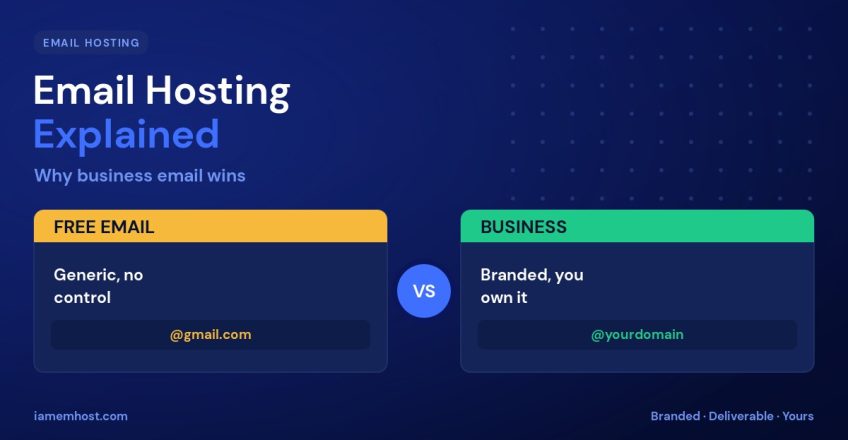

Using a free @gmail.com or @yahoo.com address for your business sends the wrong message — and it costs you more than image. Email hosting gives you a professional address at your own domain (you@yourbusiness.com) along with better deliverability, control, and security. This guide explains how email hosting works and why it beats free providers for any serious website or business.
What Is Email Hosting?
Email hosting is a service that runs email accounts on your own domain name. Instead of your inbox living on a free provider’s generic servers, it’s hosted under your domain — so your address, branding, and mail data are yours. You send and receive through standard protocols (IMAP, POP3, SMTP) using any mail app or webmail.
How It Works
- Your domain’s MX records point mail to your email hosting server.
- You create mailboxes like
sales@oryou@yourbusiness.com. - Authentication records — SPF, DKIM, and DMARC — prove your mail is genuine.
- You access your inbox via webmail or connect it to Outlook, Gmail, or your phone.
Why Business Email Beats Free Email
| Factor | Free email | Business email hosting |
|---|---|---|
| Address | you@gmail.com | you@yourbusiness.com |
| Professionalism | Generic | Branded & trusted |
| Control & ownership | Provider’s terms | Yours |
| Custom addresses | Limited | Unlimited (sales@, info@…) |
| Deliverability control | None | SPF/DKIM/DMARC you manage |
The Key Benefits
- Credibility — a domain address signals a real, established business and builds customer trust.
- Branding — every email you send reinforces your domain and company name.
- Control — create, delete, and manage addresses for your whole team; you own the data.
- Deliverability — with proper authentication records, your mail is far more likely to land in the inbox.
- Continuity — your email isn’t tied to a personal free account that could be lost.
Email Hosting vs Web Hosting
Many hosting plans include email hosting alongside your website — convenient and cost-effective for most businesses. For high email volumes or larger teams, a dedicated email hosting service (or a business suite) can offer extra features and reliability. Either way, the essential step is getting off free consumer email and onto your own domain.
Getting Started
Setting up business email is straightforward: create your mailboxes in your hosting control panel, add the SPF, DKIM, and DMARC DNS records to protect deliverability, then connect the account to your favorite mail app. Within minutes you can be sending from a professional address.
Conclusion
Email hosting turns a generic free inbox into a professional, branded, and reliable communication channel you actually own. For any business, the credibility, control, and deliverability are well worth it — and with authentication set up correctly, your mail reaches inboxes instead of spam folders. If you’re still on free email, moving to your own domain is one of the easiest upgrades you can make.