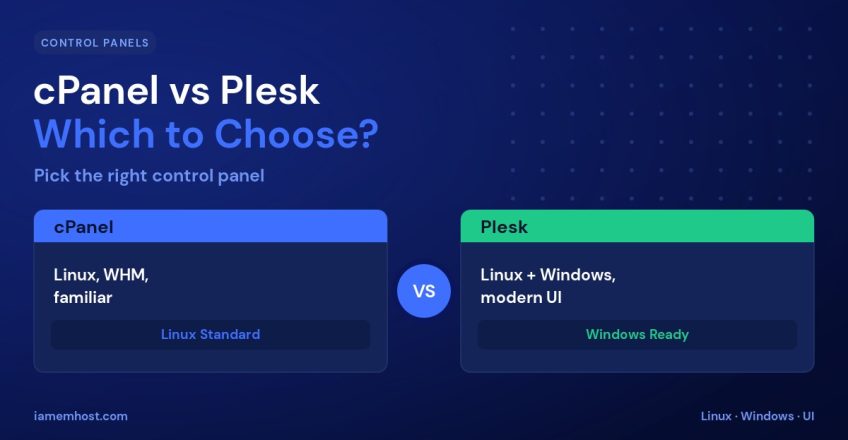

A hosting control panel is where you’ll spend your time managing your website — creating email accounts, installing apps, managing databases, and handling files. The two biggest names are cPanel and Plesk. Both are excellent, mature, and widely supported, but they differ in interface, operating-system support, and workflow. This guide compares them so you can choose the right control panel for your needs.
What a Control Panel Does
A control panel gives you a graphical dashboard for tasks that would otherwise require the command line: managing domains, email, DNS, databases, SSL certificates, backups, and one-click app installs. It’s what makes self-service hosting approachable for non-experts.
cPanel vs Plesk at a Glance
| Feature | cPanel | Plesk |
|---|---|---|
| Operating systems | Linux only | Linux & Windows |
| Interface | Icon-based, feature-dense | Modern, list-based, tidy |
| Admin backend | WHM | Built into Plesk |
| Best known for | Linux shared hosting standard | Windows & developer tooling |
| App ecosystem | Softaculous, huge plugin base | Extensive extension catalog |
| Learning curve | Familiar to most | Clean, easy for newcomers |
cPanel: Strengths
cPanel is the long-standing standard for Linux hosting, so almost every tutorial, host, and support team knows it inside out.
- Ubiquitous — the most widely used panel, so help is everywhere.
- Feature-rich — paired with WHM for powerful server-level management.
- Huge ecosystem — Softaculous one-click installs, security add-ons, and integrations.
- Familiar — if you’ve used shared hosting before, you likely already know it.
Plesk: Strengths
Plesk is the go-to when you need Windows support or a cleaner, more modern workflow.
- Runs on Windows and Linux — the clear choice for Windows-based hosting (ASP.NET, MSSQL).
- Modern interface — a tidy, list-based dashboard many find easier to navigate.
- Developer-friendly — strong Git, Docker, and staging tooling built in.
- Unified admin — server and site management live in one place.
Which Should You Choose?
| Your situation | Better fit |
|---|---|
| Standard Linux / WordPress hosting | cPanel |
| Windows apps (ASP.NET, MSSQL) | Plesk |
| You value a modern, clean UI | Plesk |
| You want the most familiar, widely-documented panel | cPanel |
| Developer workflows (Git, Docker, staging) | Plesk |
Conclusion
You can’t really go wrong — both cPanel and Plesk are stable, secure, and capable. Choose cPanel for classic Linux hosting and its unmatched familiarity, or Plesk for Windows support, a modern interface, and built-in developer tooling. The best control panel is the one that matches your platform and feels natural to you day to day.